

THRIVEA MCP
Thrivea – reachable from your AI assistant
Use MCP to connect your favorite AI assistant with Thrivea, and create custom workflows, manage time off, or simply pull data by conversing with your favorite LLM tool.
What you can do with Thrivea MCP
MCP allows AI Assistants to access Thrivea's data and context.
-
Automate the process
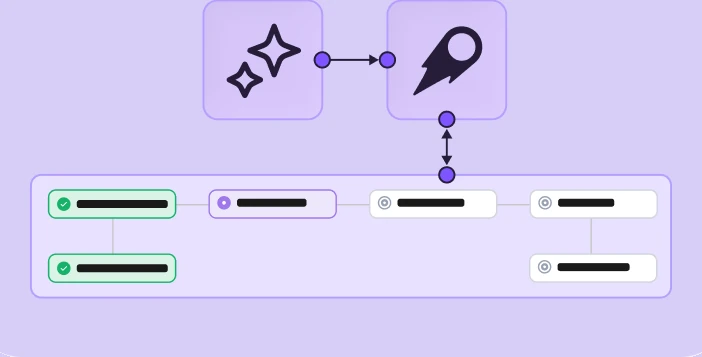
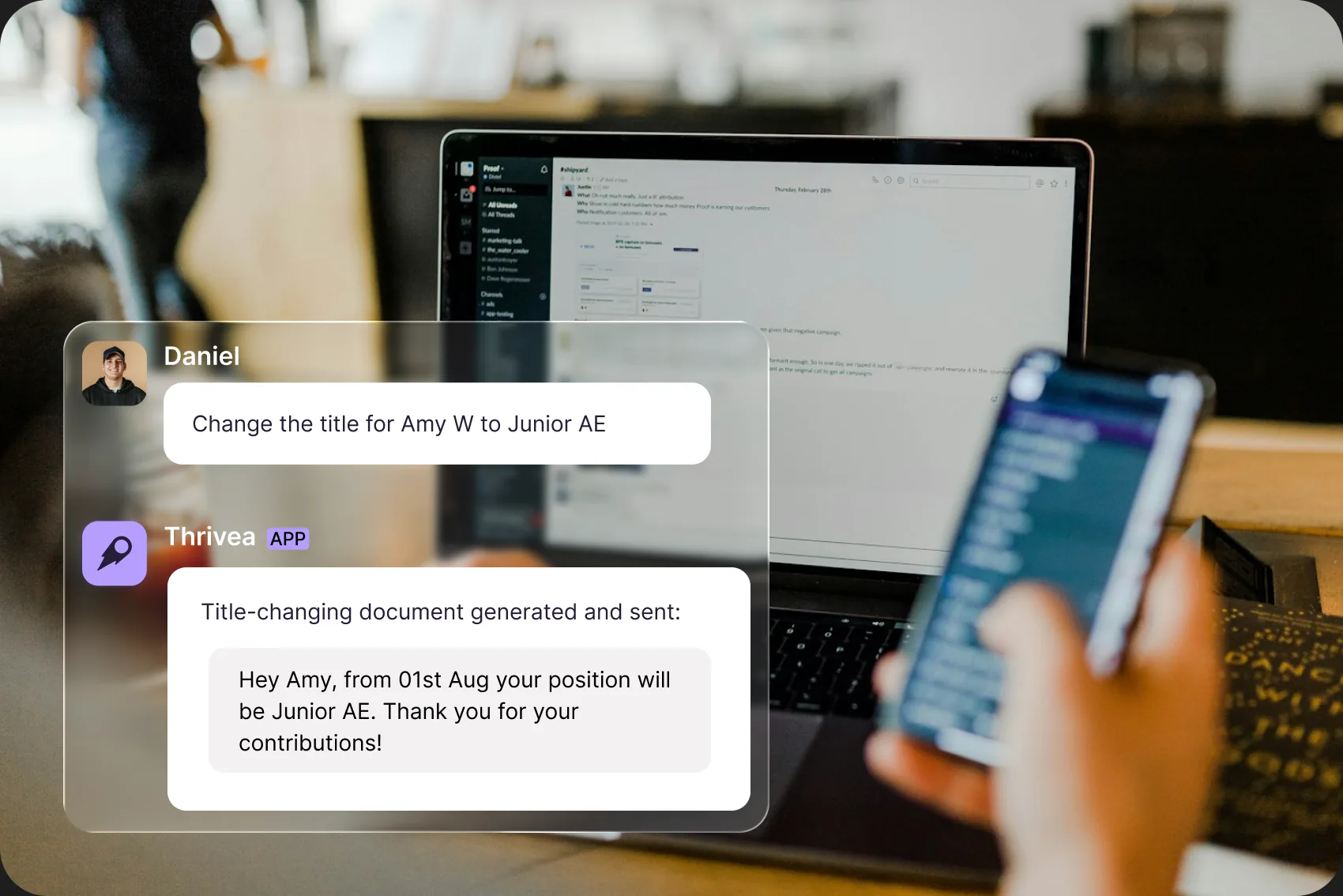
Converse with your AI Assistant to create a workflow in Thrivea, review it, and adjust it. Onboarding, offboarding, or approval workflows ready in minutes.
-
Manage time off
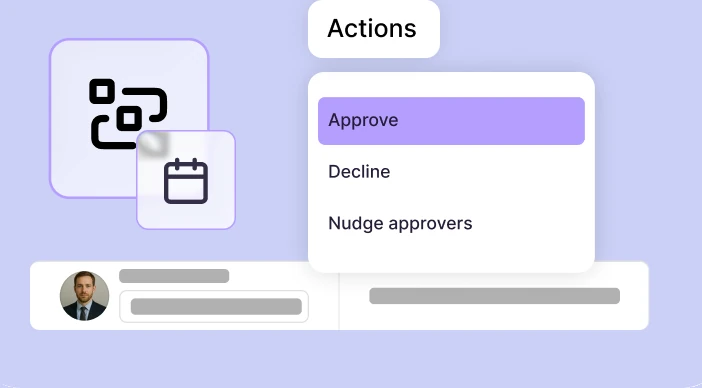
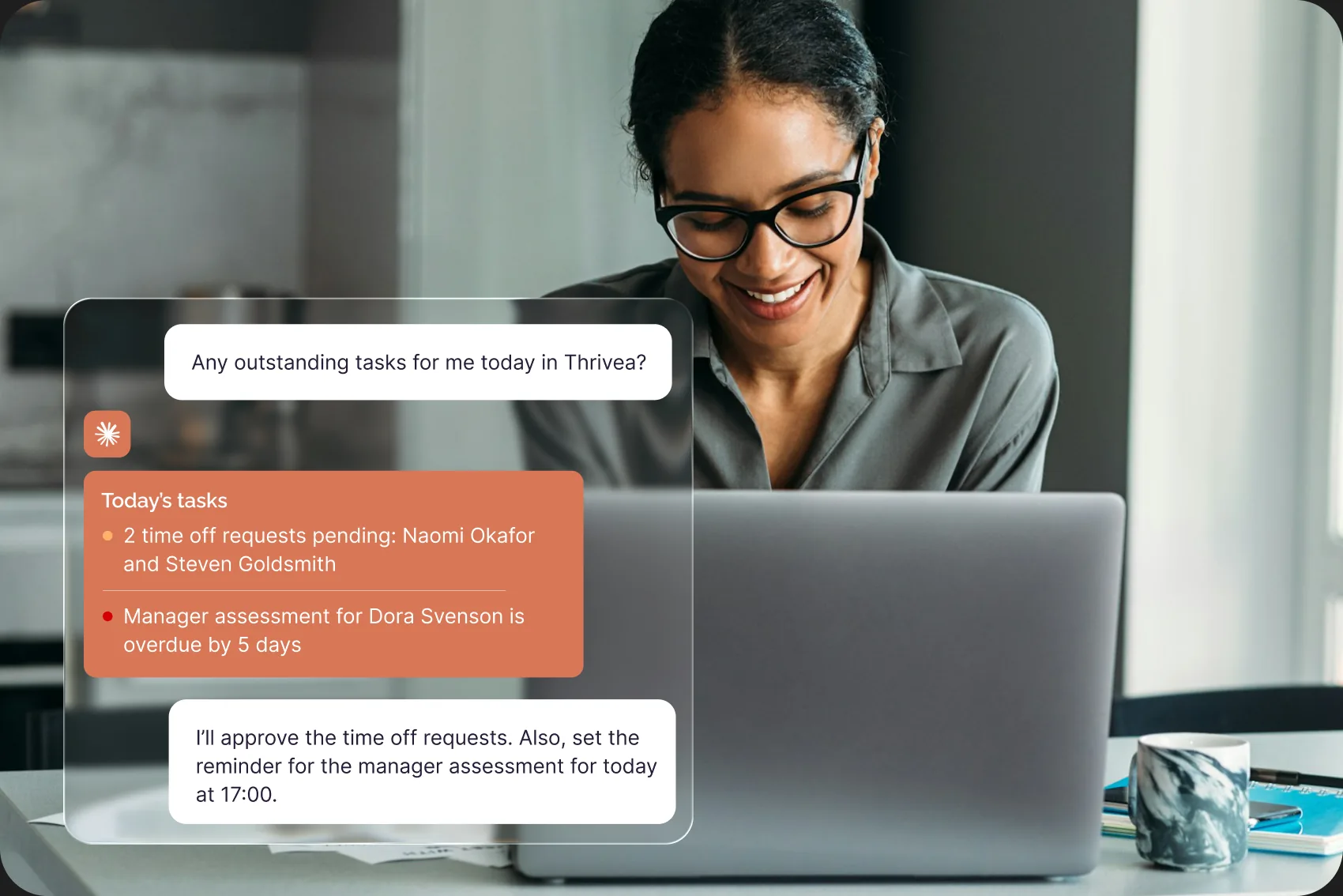
See who's absent and when, check pending time off requests, and approve them as they come.

-
Check priorities
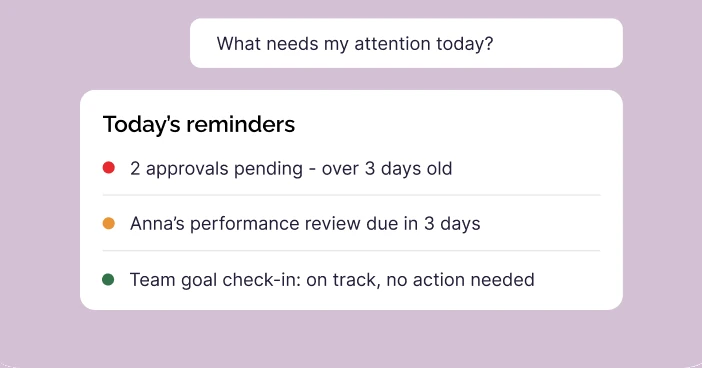
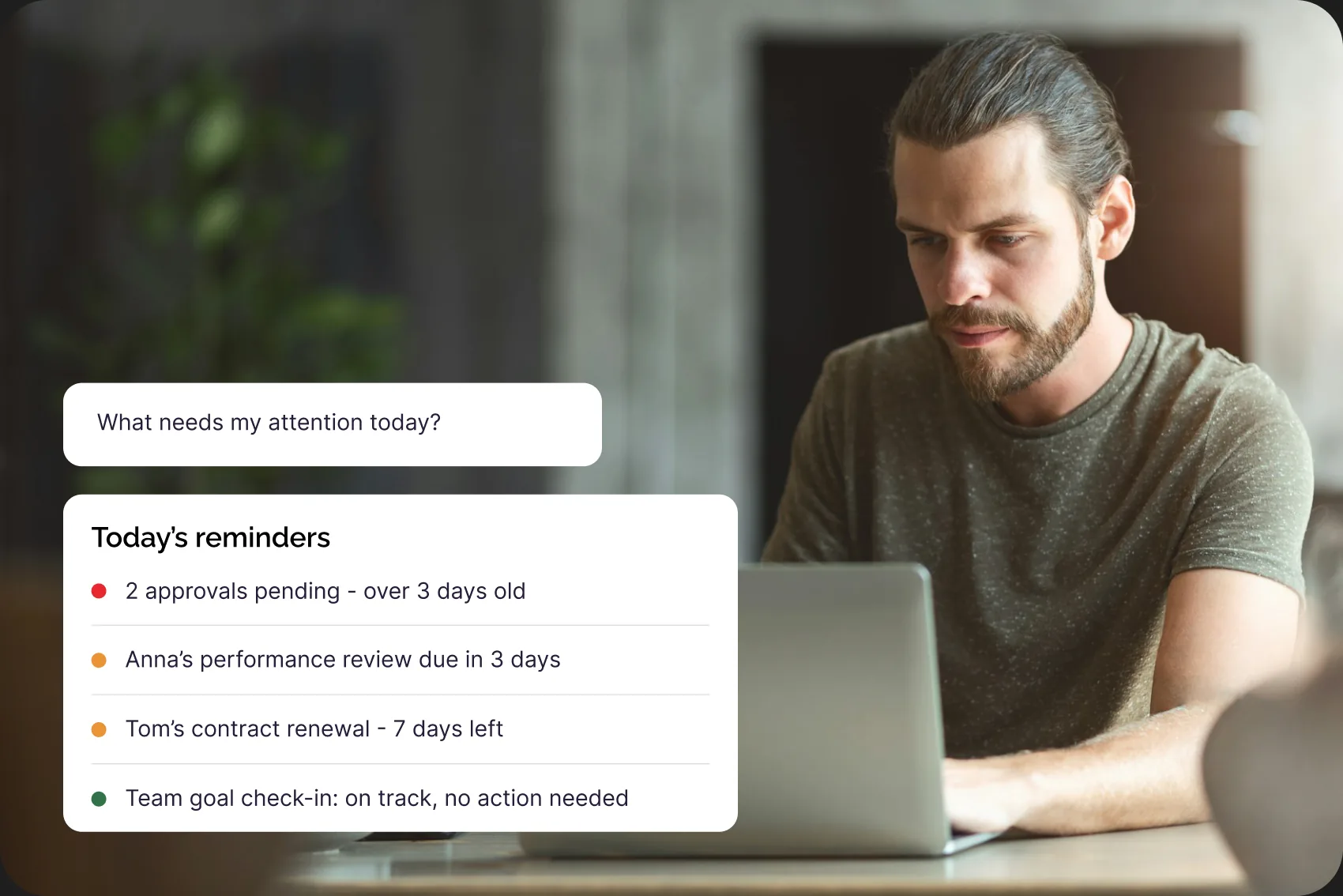
Pull data to see if anything urgent or important requires your attention. See every approval, task, and decision waiting on you – across time off, hiring, and workflows.

-
Manage open positions
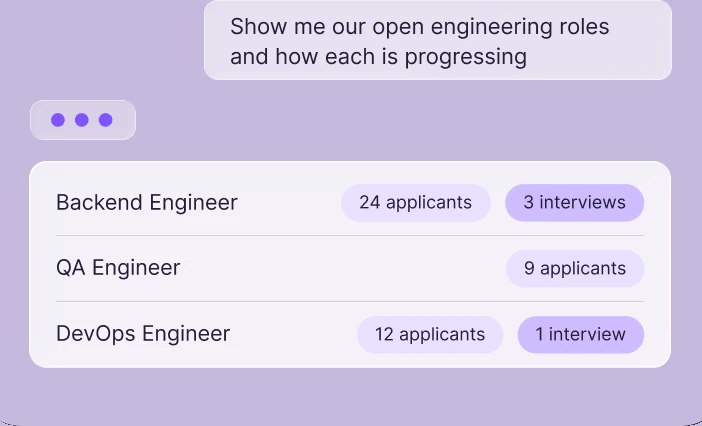
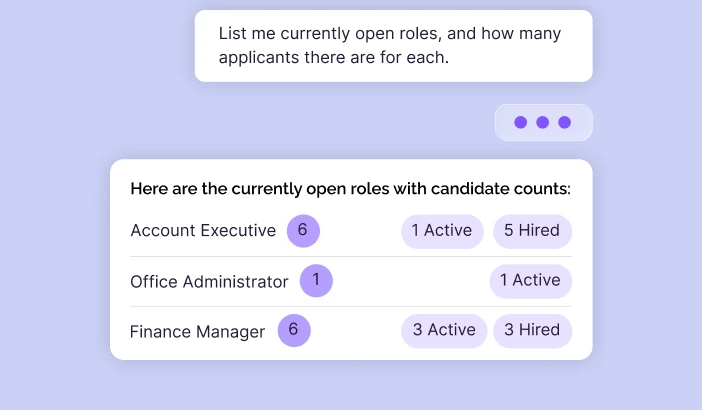
Check for open positions, scan applicants, see position status updates.

-
Find anyone, anything, instantly
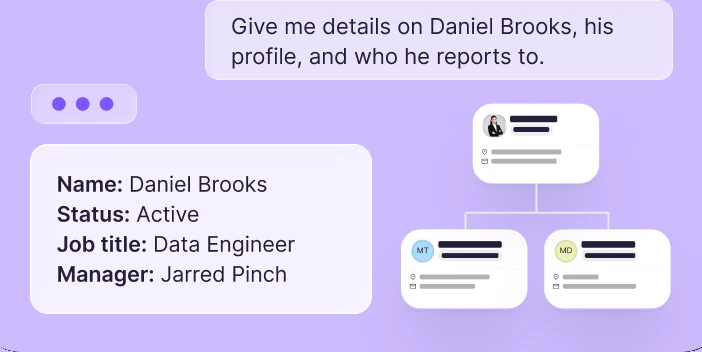
Look up a colleague's role, manager, or contact info in one search. Understand your org chart and reporting lines without opening a single spreadsheet.

-
Never miss a moment that matters
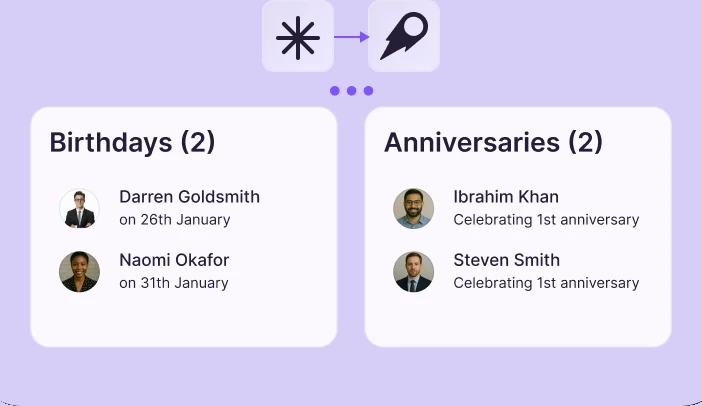
Get a heads-up on upcoming birthdays and work anniversaries, so recognition always happens on time.

-
Keep your hiring pipeline under control
See every open role and where each candidate stands. Publish a posting, take it down, or update its status.

-
Turn data into decisions
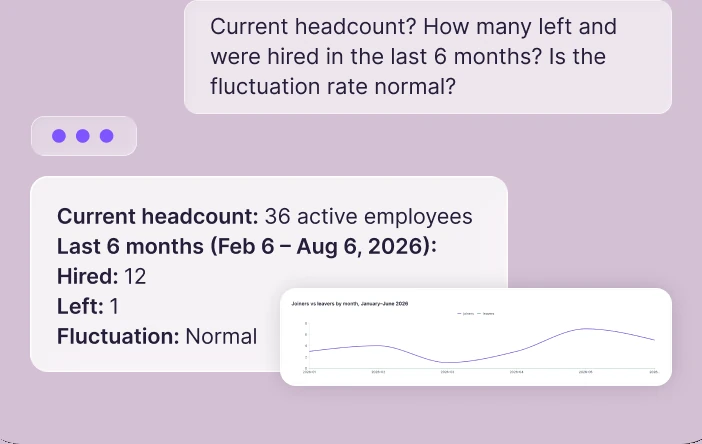
Pull headcount, turnover, and leave-liability numbers on demand – the reports leadership asks for, ready before they ask.


How Thrivea MCP Works
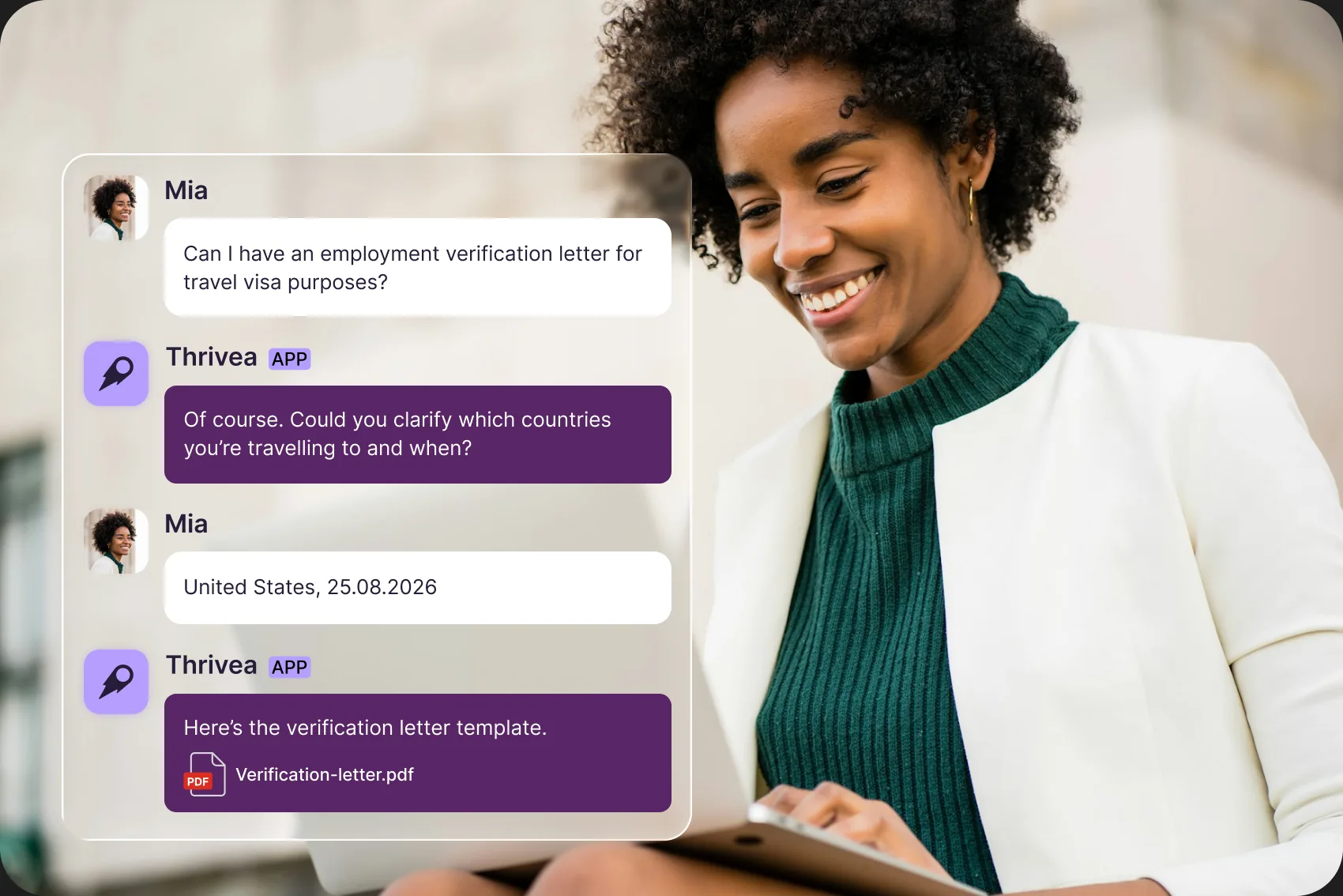
Trigger actions, get answers, generate workflows, and do much more just by typing in your natural language.
Human-oversight control
No changes are made within Thrivea without your approval. Actions that require changing data will be shown before being completed.
Permission-based access
Permissions in Thrivea determine the actions users can do within the AI Assistant.
Sensitive data is always hidden
Compensation, terminations, and deletions are not available to anyone.
Simple setup
Thrivea gives you a custom MCP server address, configuration command, or code block to paste into your AI Assistant and connect the tools.
MCP workflows library
The processes that should run the same way every time
Act faster, right from your AI tool
Connect Thrivea MCP to your AI tools and trigger key actions instantly — no context-switching required.
draft-workflow — Save a new workflow as a draft
get-workflow-catalog — Available triggers/actions/steps for workflows
get-workflow-date-fields — Date fields usable for time-based workflow triggers
get-workflow-definition — Full detail of one workflow
list-workflow-definitions — List all workflows and their status
submit-workflow-approval — Approve/reject a workflow approval task
approve-time-off — Approve a pending time-off request awaiting your approval
get-my-pending-approvals — List time-off requests waiting for you to approve
get-my-timeoff-balance — Your own remaining days/allowances
get-who-is-out — Who's on approved time off in a date range
get-timeoff-criteria-fields — Employee fields usable in extra-days policy criteria
get-timeoff-liability — Total accrued-but-unused leave company-wide
get-timeoff-policy — Full config of one time-off policy
get-timeoff-policy-catalog — Vocabulary/options for building a time-off policy
get-timeoff-policy-operation-status — Progress of a policy background operation
draft-timeoff-policy — Create a new time-off policy
import-timeoff-policy-types — Bulk-import leave types (annual, sick, etc.)
create-job-opening — Create a new job opening
update-job-opening — Edit an existing job opening
change-job-opening-status — Move a job through its lifecycle (open/closed/etc.)
publish-job-opening — Make a job visible on the careers page
unpublish-job-opening — Take a job off the careers page
repost-job-opening — Refresh a job's ad on a job board
set-job-opening-channels — Set which external job boards a job posts to
get-job-opening — Full details of one job opening
get-job-opening-catalog — Valid values (pipelines, sites, enums) for job openings
get-job-opening-distributions — Status of a job's ads across boards
list-job-openings — List jobs with status/candidate counts
get-org-structure — Departments, teams, divisions structure
get-reporting-line — Who someone reports to (up/down the chain)
look-up-colleague — One colleague's profile (title, email, phone, etc.)
get-active-employee-count — Total active headcount
get-headcount-breakdown — Headcount split by location or title
get-upcoming-celebrations — Upcoming birthdays/work anniversaries
get-report-catalog — Available measures/dimensions for reports
run-report — Compute a custom aggregate (e.g. headcount by dept)
create-report-view — Save a composed report for later
list-report-views — List saved reports you can open
run-report-view — Run a saved report and get current numbers
get-recent-posts — Recent announcements/kudos/polls
comment-on-post — Comment on a post
react-to-post — Add an emoji reaction to a post
list-document-signatures — Status of documents sent for e-signature
get-employee-import-schema — Row schema required for employee import
stage-employee-import-rows — Stage employee rows for import (pre-commit)
commit-employee-import — Finalize/commit a staged import batch
get-employee-import-report — Per-row status of an import batch
import-employees — Bulk-import employees
import-erb-fields — Configure employee record template sections/fields
import-calendars — Bulk-create holiday calendars
import-cost-centers — Bulk-import cost centers
import-org-units — Bulk-import org units
import-job-positions — Bulk-import job positions
import-sites — Bulk-import office locations
import-working-patterns — Bulk-import work schedules
get-workspace-info — Which tenant/company you're connected to
get-my-attention-items — Everything across Thrivea waiting on you
confirm-action — Confirm and execute a pending write action
Frequently Asked Questions
What is Thrivea MCP?
Thrivea MCP is a connector that lets AI assistants like Claude interact directly with your Thrivea workspace – reading org data, running reports, and taking actions like approving time off, publishing job openings, or drafting onboarding workflows – all through natural conversation instead of clicking through the app UI.
What is Thrivea MCP?
Thrivea MCP is a connector that lets AI assistants like Claude interact directly with your Thrivea workspace – reading org data, running reports, and taking actions like approving time off, publishing job openings, or drafting onboarding workflows – all through natural conversation instead of clicking through the app UI.
