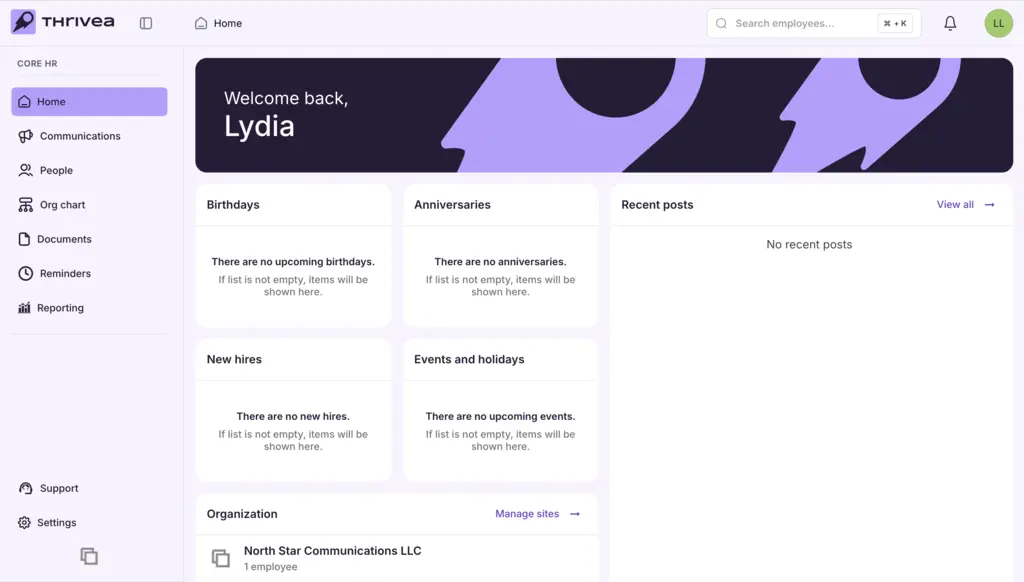

Register your account
Welcome to Thrivea! Follow these simple steps to set up your account and start managing your people operations with ease.
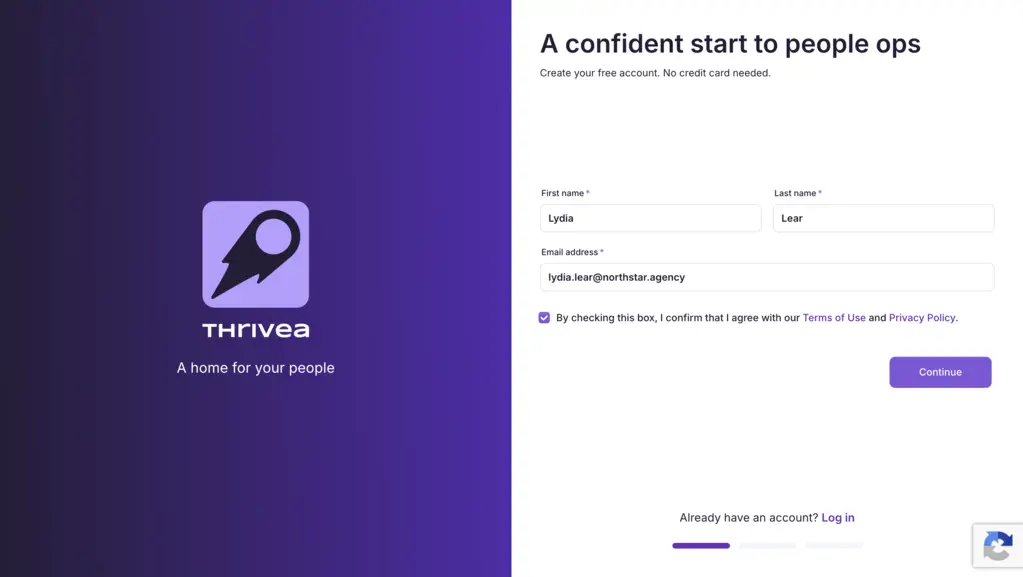
1. Create your personal account
Enter your First Name, Last Name, and Work Email.
Accept the Terms of Use and Privacy Policy, then click Continue.
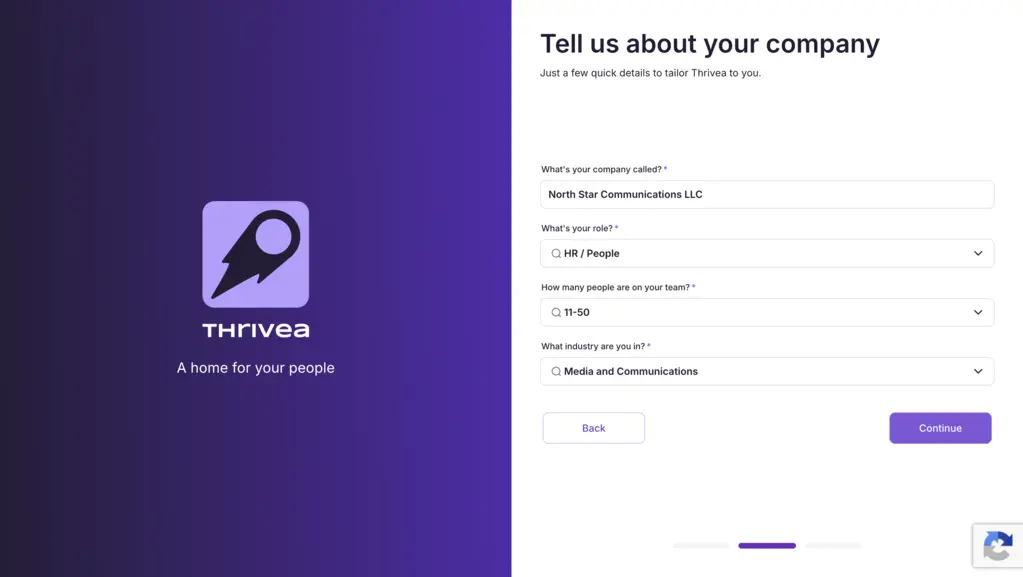
2. Enter your company information
Provide your Company Name, select your Role, choose your Team Size, and select your Industry.
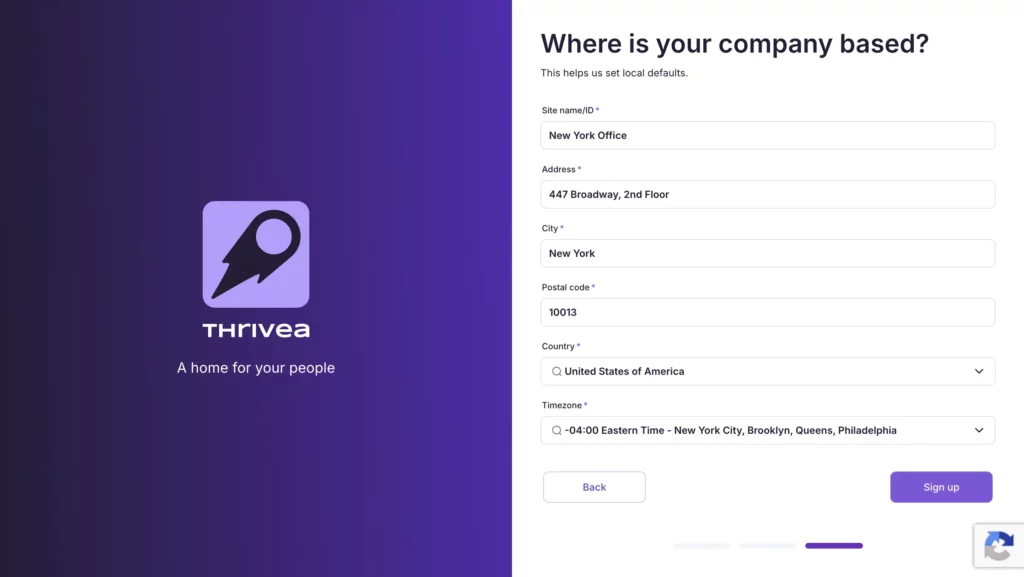
3. Set your company location details
Enter your Site Name/ID, Address, City, and Postal Code, then select your Country.
Click Sign Up to create your account.
4. Your workspace is being prepared.
Please wait a moment while we finalize your account settings and secure your data.

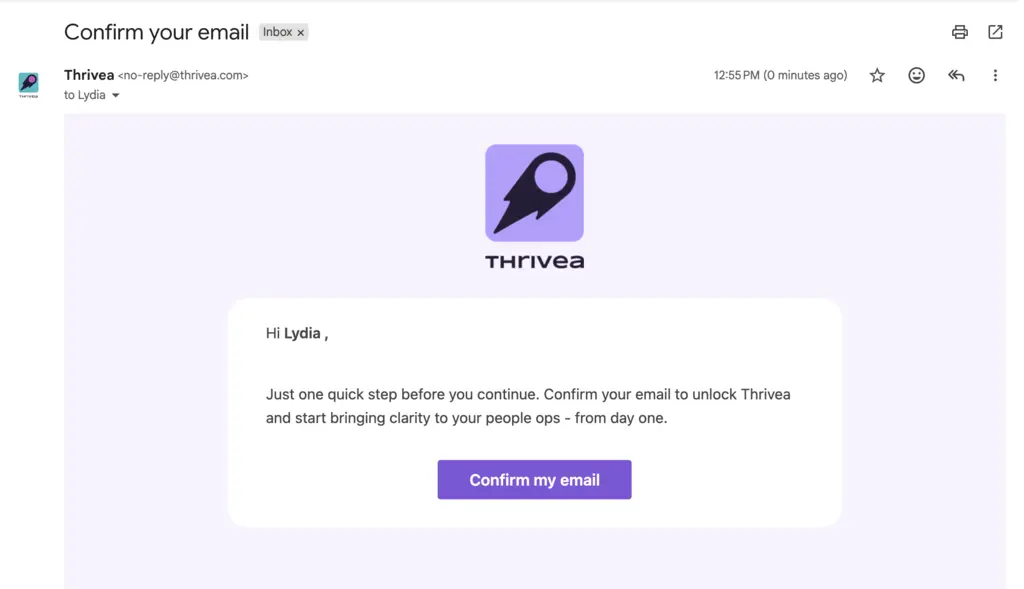
5. Confirm your email address
Once your Thrivea account is ready, open the confirmation email and click Confirm my email to activate your account and access the platform.
If the confirmation email doesn’t arrive, check your Spam or Promotions folder.
6. Create your password.
7. Your setup is complete.
You can now access your personalized dashboard.