

I used to rely on spreadsheets for tracking employee records. At first, it seemed fine — names, contracts, time-off, performance notes — all scattered across tabs and folders. But as the team grew, updates got messy, documents went missing, and I started worrying about compliance slipping through the cracks.
That’s when I realized I needed proper employee record management software. A tool that centralizes everything — documents, approvals, PTO, performance reviews — and keeps both managers and employees aligned. No more juggling files or second-guessing version control.
So I tested the most popular platforms out there. In this guide, I’ll walk you through the 10 best employee record management tools in 2025, their features, pros, cons, and pricing, so you can pick the one that fits your team best.
What to look for in an employee record management software?
When I’m evaluating employee record management software, I look for features that make life easier for HR and admins, while keeping employee data secure and easy to work with. What matters most to me is:
- Centralized and organized employee records
I want software where I can store everything in one employee database software—contracts, performance notes, payroll info, onboarding docs—all searchable and organized. That avoids chasing papers or scattered files. - Document management with accessibility and compliance
I need good document management software features: indexing, version control, e-signature support, and access logs—all to securely handle employee files and maintain compliance. As Justworks puts it, these tools make it easier to find hiring records, payroll files, training records, and evaluation sheets when you need them. - Security and retention policies
It should help me set retention rules (auto-archive or delete old documents), control who can see sensitive files (like benefits or medical), and provide audit trails. That’s vital for compliance and protecting sensitive employee information. - Easy access and search
A strong search tool—like full-text search or metadata filters—means I can find an employee document quickly rather than digging through folders. That’s huge when someone asks for their contract, or I need to check onboarding status. - Employee self-service portal
I love it when employees can update their own info, view their files, or access payslips via mobile. It saves me from answering simple requests and helps keep employee records accurate. - Integrations and automation
It’s a plus if the software connects smoothly with payroll, performance, benefits, or help-desk apps so that employee updates sync across systems. Automation means less manual entry and better accuracy. - Compliance tools and audit readiness
I look for features that support labor-law compliance—like reminders for I‑9 authorizations, tracking document expiration, or logs required by auditors. That avoids stress during audits.
So if I were picking employee record management software, I’d make a quick checklist:
- Does it unify all employee files and data?
- Is document search fast and intuitive?
- Can I control access and set retention policies?
- Do employees have mobile access and self-service options?
- Will it integrate with my other HR tools?
- Does it support compliance and auditing needs?
Once I tick those boxes, I’d feel confident the software truly supports both HR workflows and security.
1. Thrivea
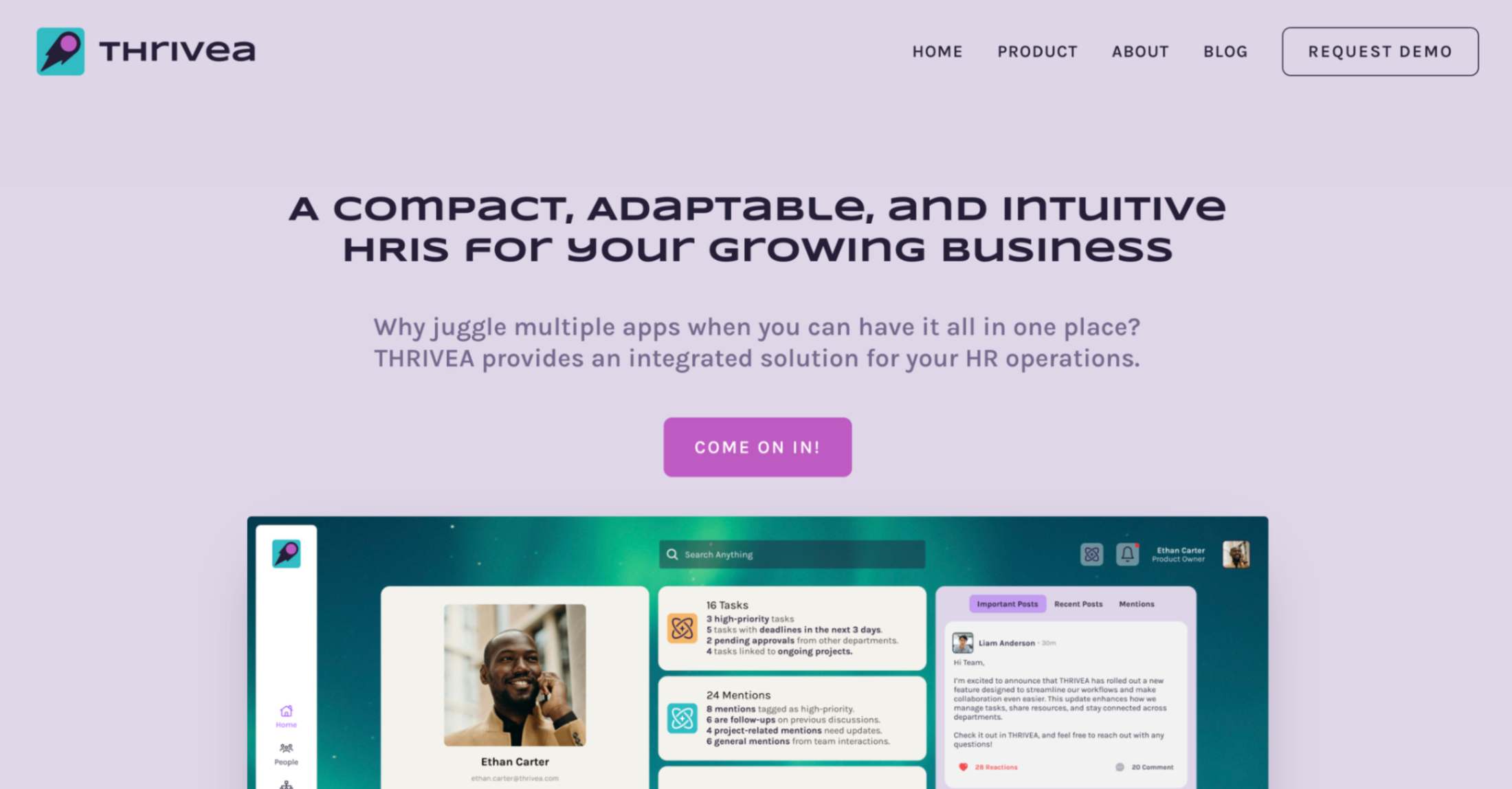
Thrivea is a lightweight, modular HRIS that nails the basics of employee record management software without the usual bloat. It centralizes people data, employee files, org charts, and approvals in one place, so I’m not juggling spreadsheets or chasing updates across tools.
I love how simple it feels to get going and how much is already built in for employee management: HR document management with permissions and version history, a real-time feed for internal updates with read receipts, PTO tracking, performance management reviews, workflows, and reporting.
It’s clearly made for small and growing teams that want structure, automation, and employee self-service without needing IT or heavy admin support.
I also liked that Thrivea emphasizes data security and privacy around sensitive employee information, which is often overlooked in newer HR software.
Key features:
- Centralized employee database with people directory and live org charts
- Custom fields, smart filters, and saved views for employee records management
- Employee self-service portal with notifications and alerts
- HR document management hub for employee documents with permissions, version history, and audit trails
- Internal communication feed with targeting, read receipts, and analytics for employee engagement
- PTO and leave tracking with custom policies and shared calendar sync
- Performance management tools: reviews (360°, goals, templates) and continuous feedback
- No-code workflow automation for employee onboarding, offboarding, and approvals
- Dashboards and exportable reports to track the employee lifecycle
- Integrations with Slack, Teams, Zapier, plus open API/webhooks for custom flows
Pros:
- Free core HR lowers the barrier to start
- Clean UI, fast setup, and intuitive management system
- Strong mix of employee file management, communications, and automation
- Great for distributed teams with async updates
- Flexible API and integrations for HR staff who need custom flows
- Built-in HR document management software features not common in free tools
Cons:
- No native payroll processing or benefits administration (yet)
- Fewer public customer stories than big incumbents
- May feel light for a very complex workforce management or global HR management
Pricing: Core HR is free forever. PTO and Performance are paid add-ons (free trials available). No credit card required to start.
Best for: Growing teams replacing HR spreadsheets
2. ADP Workforce Now
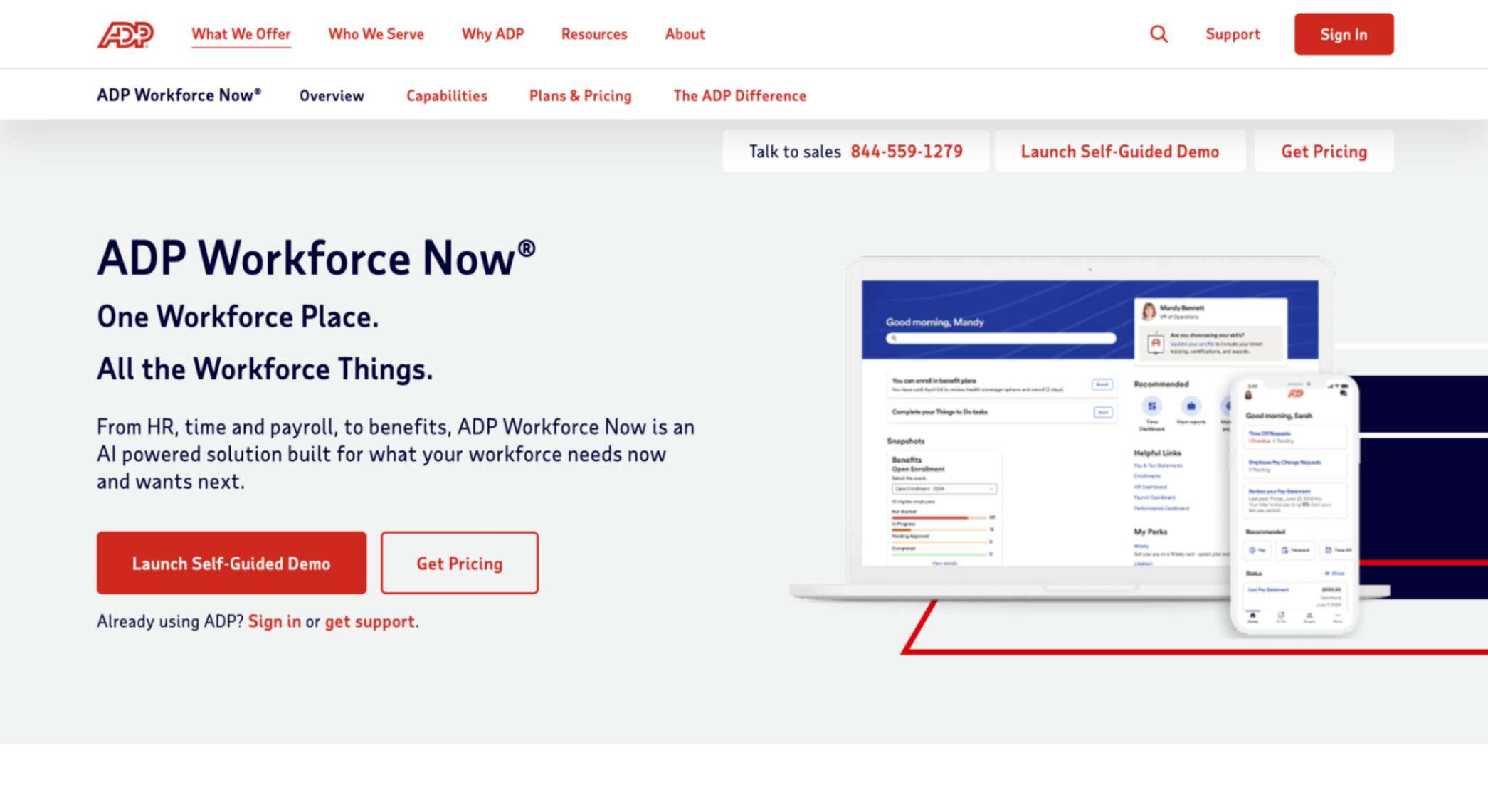
I found ADP Workforce Now to be one of those platforms that tries to cover every part of HR in one place. It’s basically a full employee management system where you can keep all employee records, run payroll processing, handle benefits administration, and even manage recruiting and performance reviews. Unlike some lighter HR software made just for core employee files, ADP really focuses on compliance and payroll accuracy, which makes sense since that’s what they’re known for.
From my perspective, this tool feels more enterprise-style than small and scrappy, but it does give small businesses a way to manage sensitive employee information, documents, and paychecks without piecing together multiple tools.
It’s definitely more complex than BambooHR or Thrivea, but I could see it being helpful if a company really wants one management system to run everything in HR.
Key features:
- Centralized employee database with personal information, job history, and employee documents
- Payroll processing with automated tax filing and compliance checks
- Time and attendance tracking with employee self-service portals
- Benefits administration for health, retirement, and insurance plans
- Applicant tracking for recruiting and onboarding workflows
- Performance management and talent management tools
- Reporting and analytics for HR staff and leadership
- Integrations with accounting, project management, and document management software
Pros:
- All-in-one employee management software with payroll at the core
- Very strong compliance tools that reduce risk
- Scales well as businesses grow in size
- Employee self-service app that staff actually use
- Large ecosystem of integrations and add-ons
Cons:
- Pricing is not transparent and can be high for small companies
- Interface is more complex than modern SMB-first tools
- Customer support reviews are mixed
- Many features locked behind higher-tier plans
Pricing: Quote-based, usually per employee per month. No free trial. Self-guided demo is available.
Best for: Businesses needing strong payroll compliance
3. BambooHR
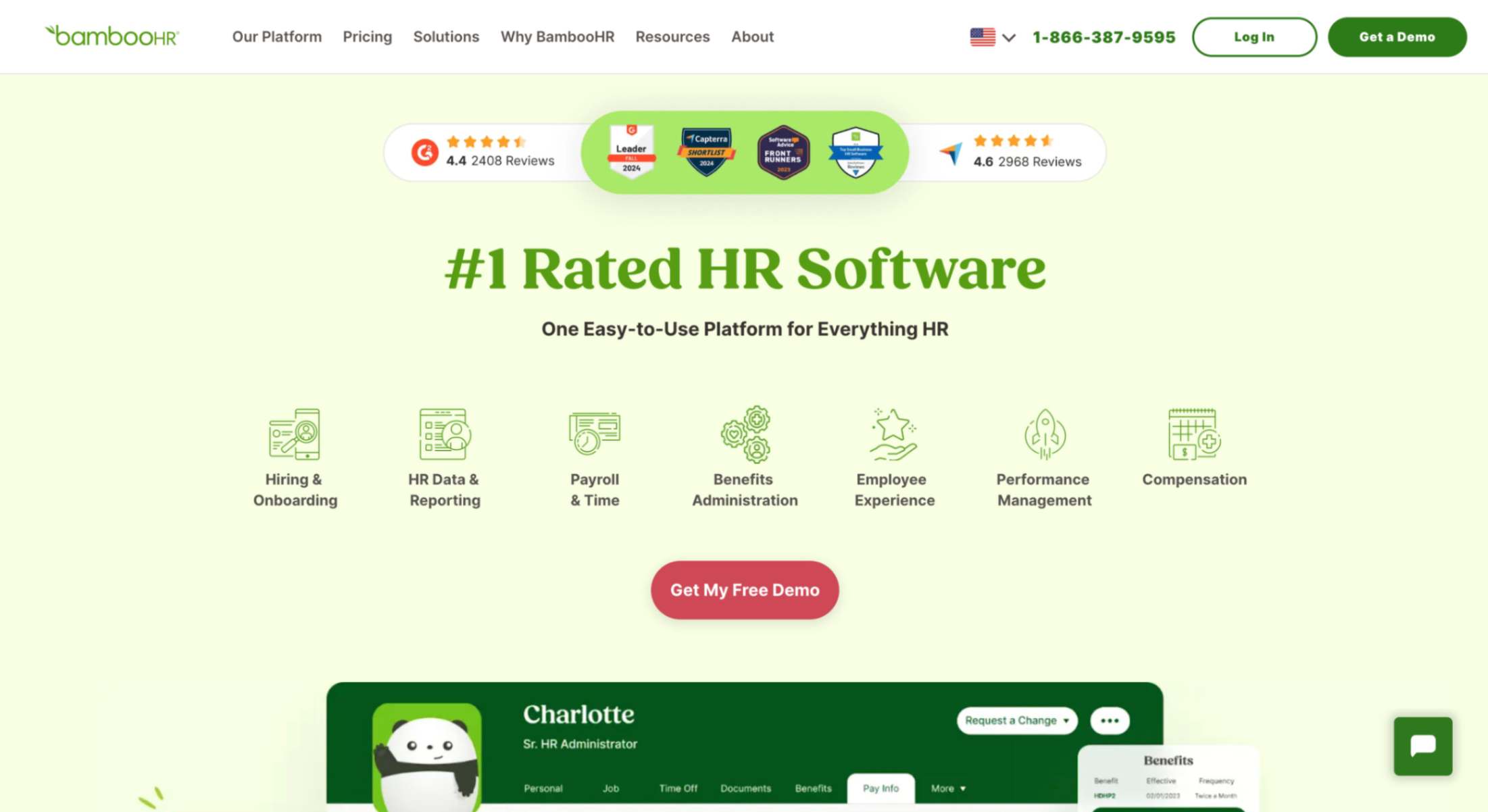
BambooHR feels like the classic choice when people talk about employee record management software for small companies. It’s designed to keep all employee information in one clean, easy-to-use place, while also giving you extras like hiring tools, employee onboarding, and performance management.
I liked how simple the layout was. It doesn’t overwhelm you with enterprise-style complexity, but it still works as a full employee management system if you add the extra modules.
From my perspective, BambooHR is a tool that makes everyday HR staff jobs less about paperwork and more about people. It takes care of employee files, time off, and even employee engagement surveys if you’re on the higher plan.
For small teams that don’t have a big HR department, it’s a way to run records management and document management without juggling spreadsheets or scattered employee documents.
Key features:
- Centralized employee database with personal information and employee contracts
- Document management system for storing employee files and signed employee documents
- PTO and leave tracking with employee self-service requests
- Built-in applicant tracking for recruiting and employee onboarding
- Performance management and employee satisfaction surveys
- Optional payroll processing and benefits administration add-ons
- HR document management with reporting and analytics for employee lifecycle insights
Pros:
- Very user-friendly HR software with a clean design
- Strong employee records management for small businesses
- Flexible; add payroll, benefits, or time tracking when needed
- Helps improve employee experience with onboarding and feedback tools
- Good support and guidance for HR personnel during setup
Cons:
- Pricing isn’t transparent; must request a quote
- Add-ons for payroll processing, time tracking, or benefits administration increase cost
- Higher-tier plans lock features like advanced record management and engagement
- Flat monthly fees can be steep for very small teams
Pricing: Quote-based for the Core plan, plus more for add-ons. Free trial is 7 days.
Best for: SMBs wanting easy HR management
4. Workday
Workday is the heavyweight in this space. When I explored it, I could see right away it’s not really built as small-business HR software but as an enterprise-grade employee management system.
It’s packed with modules that cover the full employee lifecycle, from applicant tracking and employee onboarding to performance management, talent management, payroll processing, and benefits administration. It centralizes every employee record in a single employee database, and it’s tied tightly to finance and workforce management, which makes it stand out from other employee record management software.
For me, the biggest takeaway was that Workday is incredibly powerful but also overkill for most small companies. The record management and document management features are excellent, and the system handles sensitive employee information with top-tier data security. But it takes a lot of time, budget, and HR staff effort to set it up and keep it running.
Key features:
- Unified employee database with personal information and employee files across locations
- Global record management and HR document management software
- Payroll processing and benefits administration for multiple countries
- Applicant tracking, employee onboarding, and talent management tools
- Performance management, succession planning, and employee performance reviews
- Analytics dashboards for HR personnel and leadership on employee data
- Document management system with strict data security and compliance controls
Pros:
- Extremely comprehensive employee management software with advanced features
- Handles global records management and complex compliance
- Integrates HR management with finance for deeper insights
- Strong analytics and reporting on employee information
- Scales easily for a very large workforce management
Cons:
- Very high cost, often out of reach for SMBs
- Complex to implement and maintain; requires dedicated HR staff
- User interface less intuitive for small HR departments
- Many features go unused in small companies
- No free trial; only demos available
Pricing: Custom pricing. 30-day free trial for Workday Adaptive Planning plan.
Best for: Large enterprises with complex HR needs
5. Monday.com
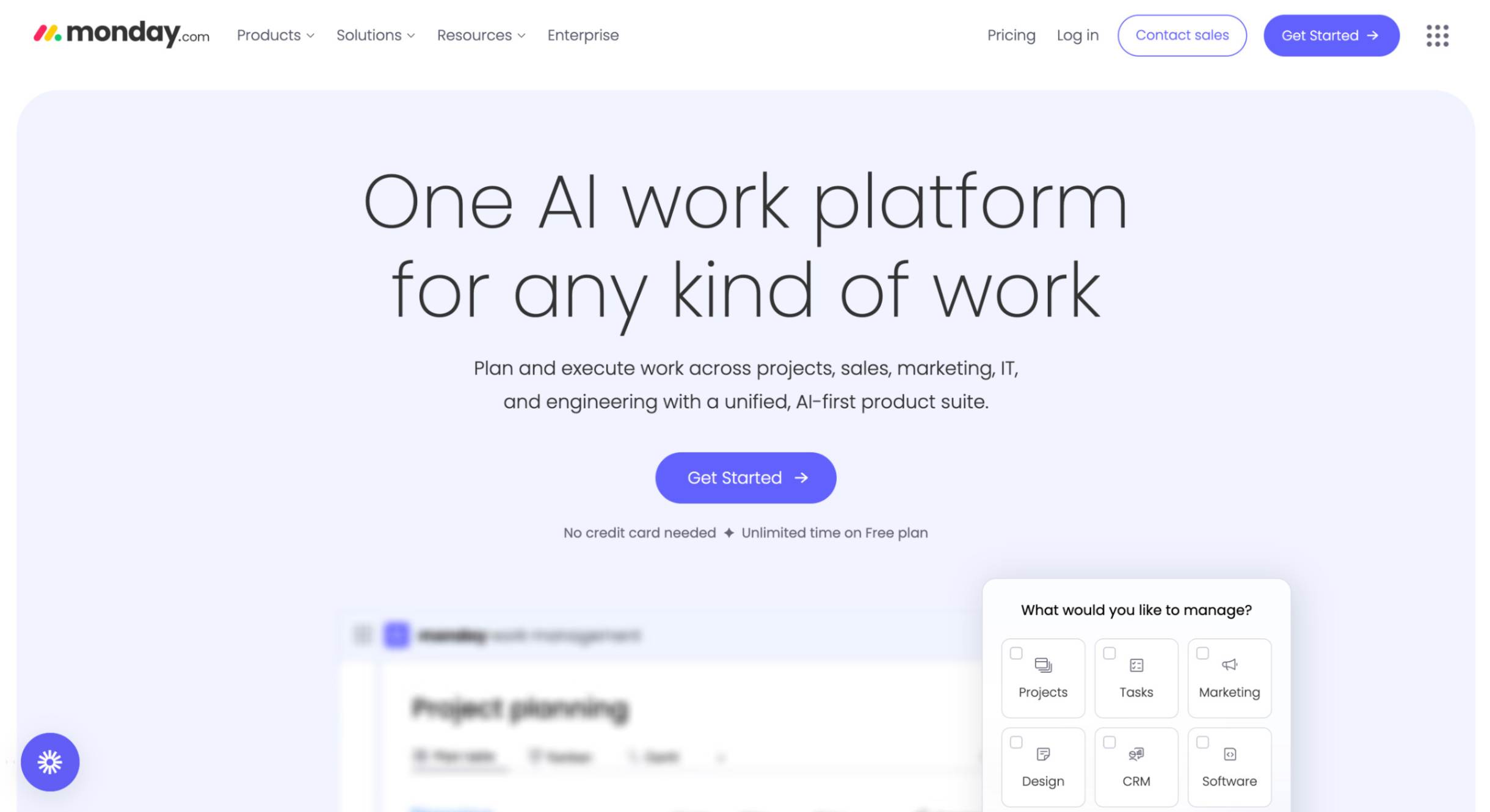
When I tested Monday.com, it stood out because it isn’t traditional HR software; it’s more of a flexible project management and document management system that you can turn into employee management software. I could set up boards to track employee records, employee documents, and even onboarding tasks.
It’s basically a blank canvas where you build your own employee management system, so it works well if you want freedom and don’t mind creating the workflows yourself.
I think it’s best for small teams that don’t need deep payroll processing or formal employee file management software but want a simple way to keep employee information, tasks, and employee files organized. It feels light and visual, with automations that reduce repetitive administrative tasks and make records management easier to stay on top of.
Key features:
- Customizable boards for employee database and employee records management
- Document management software for storing employee files and contracts
- Automations for employee lifecycle tasks and reminders
- Employee onboarding and applicant tracking templates
- Employee engagement tracking through updates and feedback boards
- Integrations with HR document management, Slack, and accounting tools
- Dashboards for tracking employee performance and workforce management metrics
Pros:
- Very flexible employee management software, you can adapt to any workflow
- Simple, visual interface that’s easy for HR staff and employees
- Affordable compared to other employee record management software
- Works across HR management and project management in one place
- Strong collaboration features for improving employee experience
Cons:
- No native payroll processing or benefits administration
- Requires setup effort; HR personnel must design the workflows
- Limited compliance and record management features compared to HR-focused tools
- Data security and permissions not as robust as dedicated HR document management software
- Can become messy if employee files aren’t structured well
Pricing:
- Free for up to 2 users.
- Basic plan 9€ per seat or 90€ per month.
- Standard plan 12€ per seat or 120€ per month.
- Pro plan 19€ per seat or 190€ per month.
- Enterprise pricing available on request.
Best for: Startups needing flexible HR workflows
6. Rippling
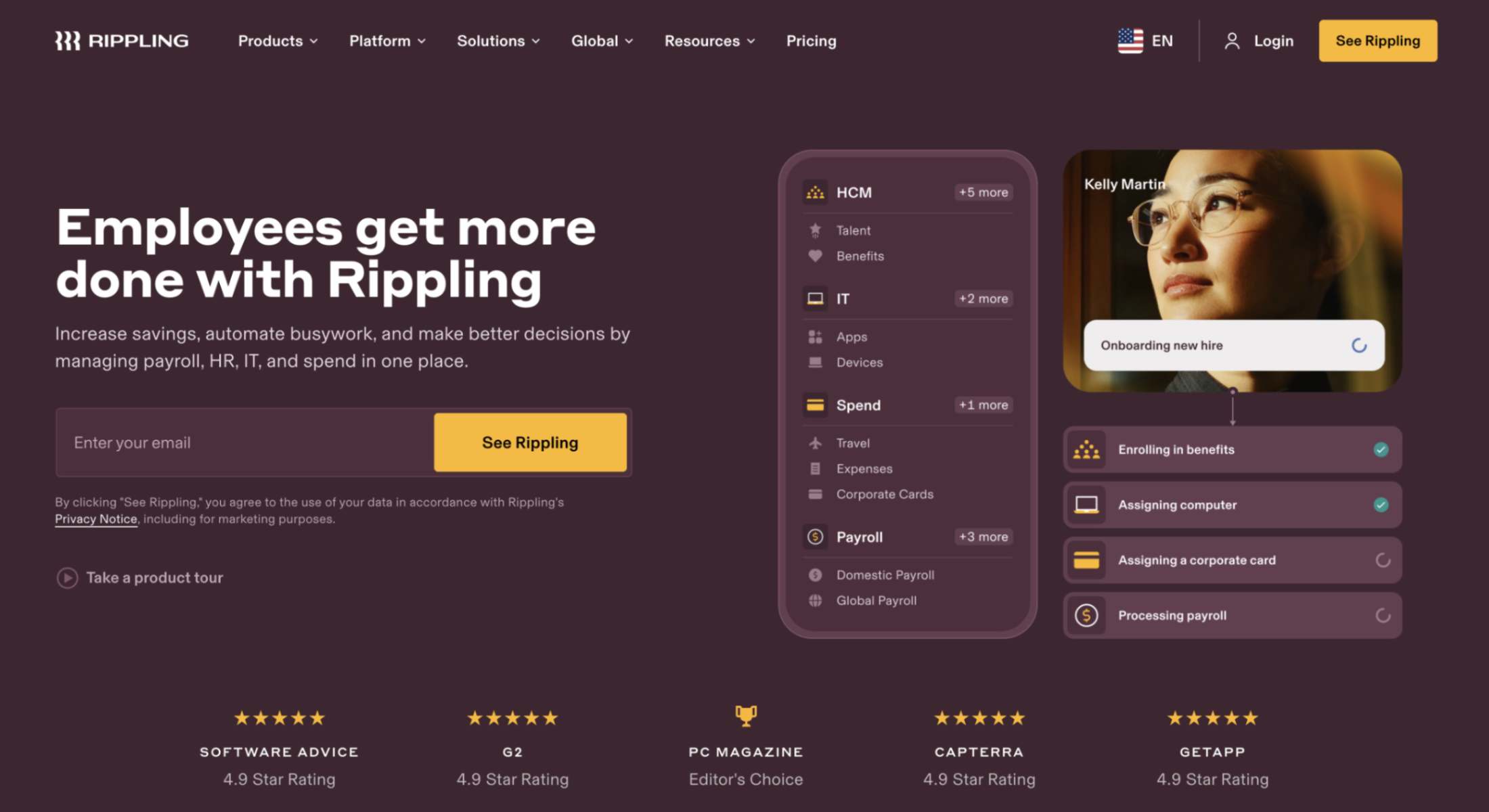
Rippling is one of the most complete platforms I have tested. It isn’t just employee record management software—it feels more like an all-in-one employee management system. With it, I can store employee information, automate HR document management, and handle payroll processing in one place.
What stood out to me is that Rippling also goes beyond typical HR software: it combines IT and finance tools, so you can manage things like app permissions, devices, and even corporate cards alongside employee files. For a small business, that means fewer separate systems to juggle and better control over sensitive employee information.
I found it very flexible—whether I’m tracking employee records, setting up employee onboarding workflows, or managing benefits administration, everything lives in the same system. It’s clearly designed to reduce administrative tasks and give HR staff, managers, and even employees a single source of truth for all their employee data. Because of that, Rippling can feel like more than just records management—it’s closer to a full workforce management hub.
Key features:
- Centralized employee database with personal information and employee files
- Automated onboarding and offboarding workflows
- Document management system with e-signatures and storage for employee contracts
- Payroll processing and tax compliance
- Benefits administration (health, retirement, perks)
- IT management (devices, apps, access control)
- Finance tools (corporate cards, expense tracking)
- Reporting and analytics dashboards
- Integrations with hundreds of third-party apps
Pros:
- Covers HR, IT, and finance in one management system
- Strong automation reduces repetitive administrative tasks
- Secure handling of sensitive employee information
- Scales easily from small teams to enterprises
- Wide range of integrations
Cons:
- Pricing isn’t fully transparent on the site
- May feel complex for very small teams
- Costs can rise as you add more modules
Pricing: The Starter plan, for companies with 10 employees or fewer, costs $35 per month, plus $15 per employee per month.
Best for: Small businesses wanting an all-in-one system
7. Homebase
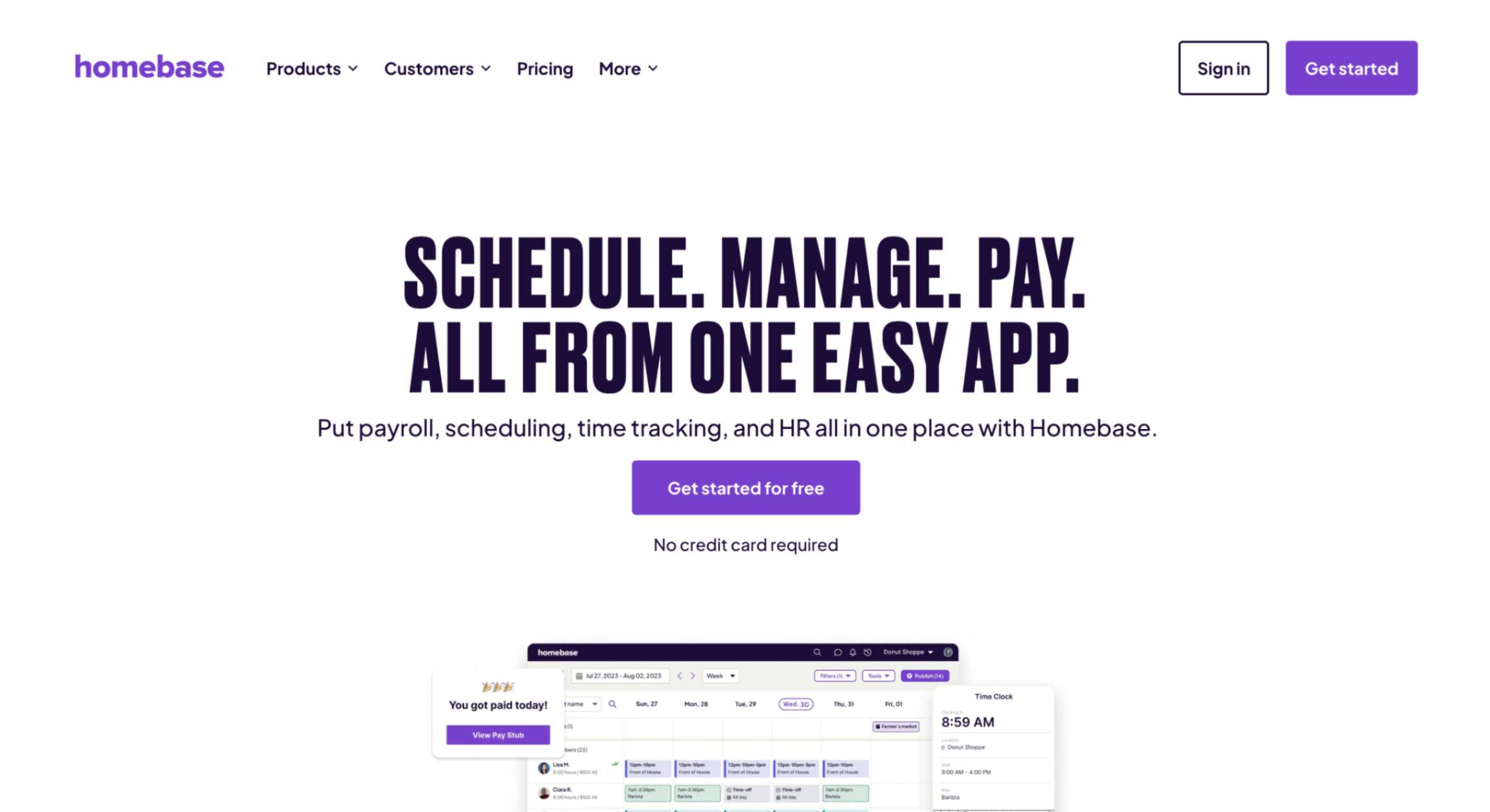
I’m really impressed by Homebase. It’s an employee management system that brings employee scheduling, time tracking, payroll, and basic HR together in one place. I could keep employee records, track who’s working when, and even manage employee information like time off, all from the same app.
For small teams that run on hour-based shifts, it’s a huge time-saver since everything from employee record management to document management (like storing signed forms) is in one spot.
When I explored it, what really stuck out was how easy it was to use. Employees can clock in on their phones, see their schedules, and swap shifts. The app also handles employee onboarding and stores employee documents like contracts or PTO requests.
It feels like a true workforce management helper, especially for restaurants or retail shops, where managing employee data and employee performance (you kind of see that through attendance and records) matters—but doesn’t need to be overcomplicated.
Key features:
- Employee scheduling and shift management
- Time clock and timesheets with automatic calculations
- Basic document management for storing employee files and contracts
- Payroll add-on with tax filing and direct deposit
- Hiring and onboarding tools
- Team messaging and employee self-service
- PTO and time-off tracking with approvals
- HR & compliance tools in higher-tier plans
- Integrations with POS and payroll systems
Pros:
- All-in-one tool for scheduling, time tracking, payroll, and basic HR
- User-friendly mobile app that employees actually use
- Flat pricing per location supports unlimited employees
- Solid employee record management, from schedules to files
- Helps with labor law compliance and record-keeping
Cons:
- Payroll is a paid add-on, even in top plans
- Pricing is per location, which can get expensive across multiple locations
- Not as robust for performance management or advanced HR tasks
- Lacks deep customization or project management features
Pricing:
- Basic (free) for 1 location and up to 10 employees
- Essentials: $30/month – adds advanced scheduling and messaging
- Plus: $70/month – includes hiring, PTO controls, departments/permissions
- All-in-One: $120/month – adds employee onboarding, labor cost tools, HR & compliance
- Payroll add-on: $39/month base fee + $6 per employee/month
Best for: Hourly teams needing an all-in-one HR
8. Connecteam
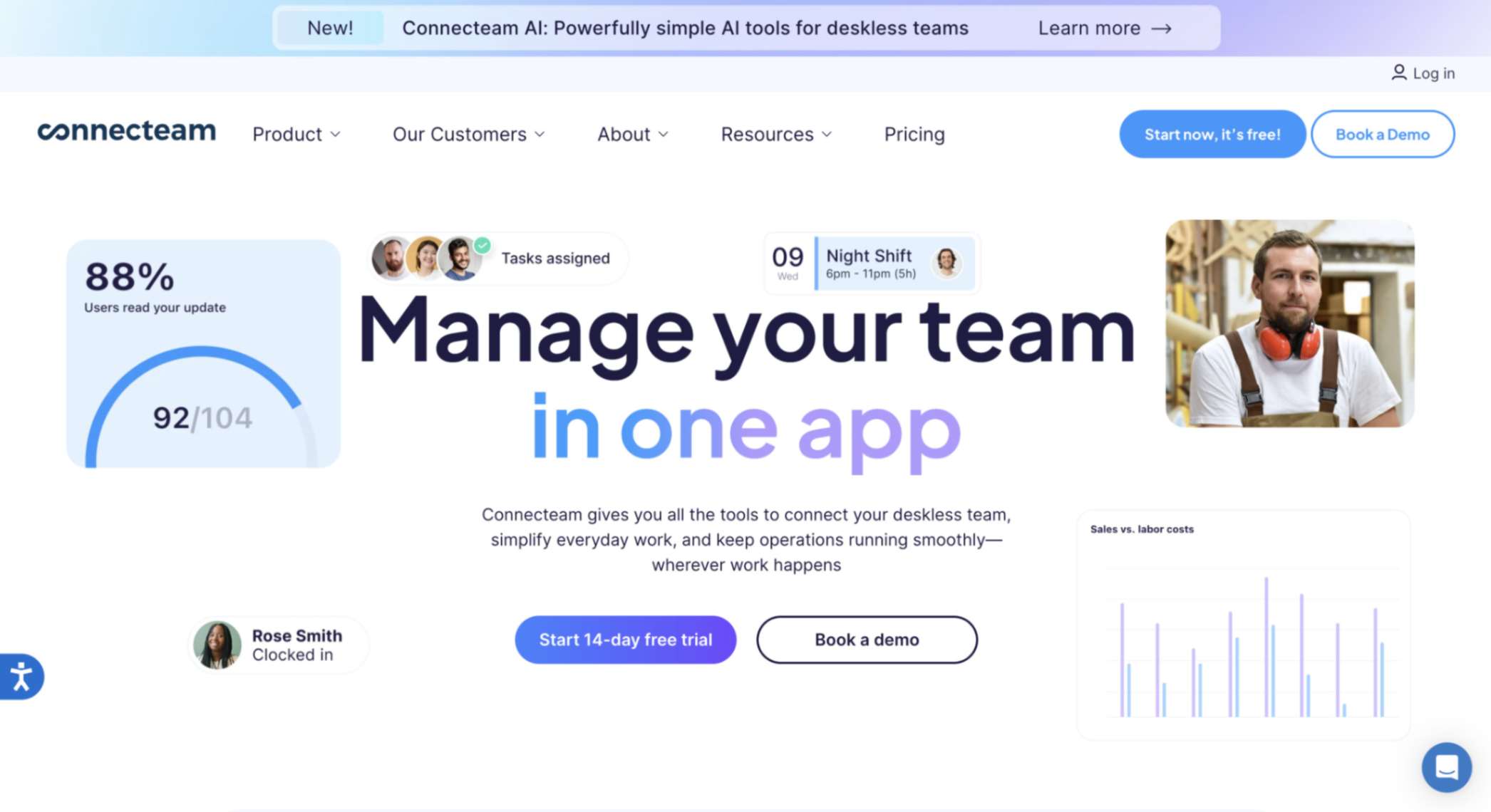
I see Connecteam as mobile-first employee record management software for busy, deskless teams. When I tested it, I could keep basic employee records (contact details, roles, files), run schedules, track time with GPS, and chat with the team—all in one employee management system. It keeps everyday employee information and employee documents together, so I don’t have to jump between tools.
What I liked most is how it blends workforce management with light HR: shift scheduling, time clock, tasks, digital forms, training, and simple records management all live in the same app. For a small business, that means faster employee onboarding, fewer administrative tasks, and cleaner employee data without needing heavy HR software.
Key features:
- Mobile time clock with GPS geofencing and auto timesheets
- Shift scheduling, open-shift claiming, and swap approvals
- Digital forms, checklists, tasks, and basic document management for employee files
- In-app chat, announcements/feed, surveys, and knowledge base
- Training courses and quizzes; recognition and milestones
- Employee directory/org chart and simple employee database fields
- PTO requests/approvals and employee self-service
- Integrations + API; role-based permissions and data security
Pros:
- One app for scheduling, time tracking, comms, and light HR
- Super easy mobile experience; high employee adoption
- Keeps employee records tidy without complex management software
- Flat-rate pricing up to 30 users; generous free plan for 10
- Cuts down manual work for managers and HR staff
Cons:
- Not full HRIS: limited performance management, benefits, or deep analytics
- Fewer native integrations than some all-in-ones
- Plan tiers/hubs can feel confusing at first
Pricing:
- Free for up to 10 users
- Basic plan: $29/month for up to 30 users
- Expert plan: $99/month for up to 30 users
- Enterprise plan pricing is available on request.
Best for: Deskless teams needing mobile HR tools
9. Blue Ribbon Technologies (DynaFile)
When I tested DynaFile, I saw it’s less of a full HRIS and more of a powerful employee record management software focused on going fully paperless. It’s built to replace physical filing cabinets with secure digital storage, plus tools to scan, index, and manage employee documents. For HR teams that deal with lots of paperwork—contracts, I-9s, benefits forms—it makes it easy to upload, tag, and organize everything in one central document management system.
What stood out to me is how much it leans into scanning and compliance. I could batch-scan files straight into the right employee folders, apply role-based permissions, and even automate retention rules so old records are archived or purged on schedule. For small or mid-sized companies that need strict records management but don’t want the extra HR modules, it keeps things simple and secure.
Key features:
- Cloud-based document management system with indexed filing
- Batch scanning and auto-indexing of employee records
- Secure role-based access and audit trails
- Automated retention rules and compliance support
- Integration with existing HR/payroll systems
- E-signature workflows for onboarding and approvals
- Employee file audit prep (I-9, benefits, payroll docs)
Pros:
- Strong focus on compliance and audit readiness
- Cuts down physical paperwork with scanning + indexing
- Secure storage with detailed access controls
- Smooth integrations with other HR tools
- Saves time by automating retention policies
Cons:
- Lacks broader HRIS features (PTO, performance, etc.)
- Interface feels more functional than modern
- Best fit for document-heavy teams, not general HR
Pricing: Custom pricing only, based on company size and needs.
Best for: HR teams managing heavy paperwork
10. Lattice
When I explored Lattice, I found it’s more than just employee record management software. It’s designed around performance management and employee experience, with people data at the core. I could keep track of employee records like roles, goals, reviews, and feedback, all connected in one place. What I liked is that it doesn’t just store information—it ties those records to real performance and growth, making it easier to see how employees are doing and where they need support.
For me, the big appeal of Lattice is how it blends HR data management with tools for culture, like feedback, engagement surveys, and career development. It feels more modern and people-first compared to the more compliance-heavy tools. If you’re running a small or mid-sized company and want HR software that connects records with employee growth, it’s a strong choice.
Key features:
- Centralized employee records and people data
- Performance reviews, 1:1s, and goal tracking
- Feedback and recognition tools
- Employee engagement surveys and analytics
- Compensation and promotion management
- Career development planning and growth paths
- Integrations with Slack, Teams, and HRIS systems
Pros:
- Strong focus on employee performance and growth
- Links records to engagement and culture
- Modern, intuitive design
- Great for performance reviews and feedback loops
- Flexible integrations with other HR tools
Cons:
- Pricier than some small-business options
- Focuses less on compliance and file-heavy HR
- Best for growth-focused teams, not just admin needs
Pricing:
- Talent Management (Foundations + Performance): $11 per seat/month
- Engagement (Add-on): +$4 per seat/month
- Grow (Add-on): +$4 per seat/month
- Compensation (Add-on): +$6 per seat/month
- HRIS (Core HRIS): $10 per seat/month
- Payroll (Add-on): +$6 per seat/month (US only)
- Time Tracking (Add-on): +$2 per seat/month
Best for: Teams focused on growth and performance
Top employee record management software compared
| Tool | Best for | Top features | Starting price |
| Thrivea | Growing teams replacing HR spreadsheets | Free core HR, employee database, doc hub, PTO, performance, workflows, API | $0 core HR; paid add-ons |
| ADP Workforce Now | Businesses needing strong payroll compliance | All-in-one HR with payroll, benefits, compliance, recruiting, analytics | Quote-based |
| BambooHR | SMBs wanting easy HR management | Centralized records, doc management, PTO, ATS, onboarding, performance | Quote-based (7-day trial) |
| Workday | Large enterprises with complex HR needs | Global HRIS, payroll, benefits, analytics, compliance, talent management | Custom pricing |
| Monday.com | Startups needing flexible HR workflows | Customizable boards, employee records, onboarding, automation, and integrations | Free (2 users); from €9/seat |
| Rippling | Small businesses wanting an all-in-one system | HR + IT + Finance in one, payroll, benefits, doc mgmt, onboarding | From $35 base + $15/employee |
| Homebase | Hourly teams needing an all-in-one HR | Scheduling, time tracking, payroll add-on, onboarding, basic docs | Free; paid from $30/location |
| Connecteam | Deskless teams needing mobile HR tools | Mobile time clock, scheduling, digital forms, training, comms, doc storage | Free (10 users); from $29/30 users |
| DynaFile (Blue Ribbon) | HR teams managing heavy paperwork | Digital filing cabinet, scanning/indexing, e-signatures, retention policies | Quote-based |
| Lattice | Teams focused on growth and performance | Records + goals, reviews, engagement, compensation, career development | From $11/seat + add-ons |
Thrivea: the smarter way to manage employee records
Manual record-keeping slows your team down, creates compliance risks, and eats into hours that should be spent on people, not paperwork. Thrivea fixes that.
With its free Core HR plan, intuitive workflows, and modular add-ons, Thrivea provides small businesses with the structure they need without the complexity of traditional systems. From keeping employee records secure and searchable to automating onboarding and approvals, it’s designed to save you time and give your team the freedom of self-service.
Less admin. More control. Book a demo today and see how Thrivea makes employee record management effortless.